
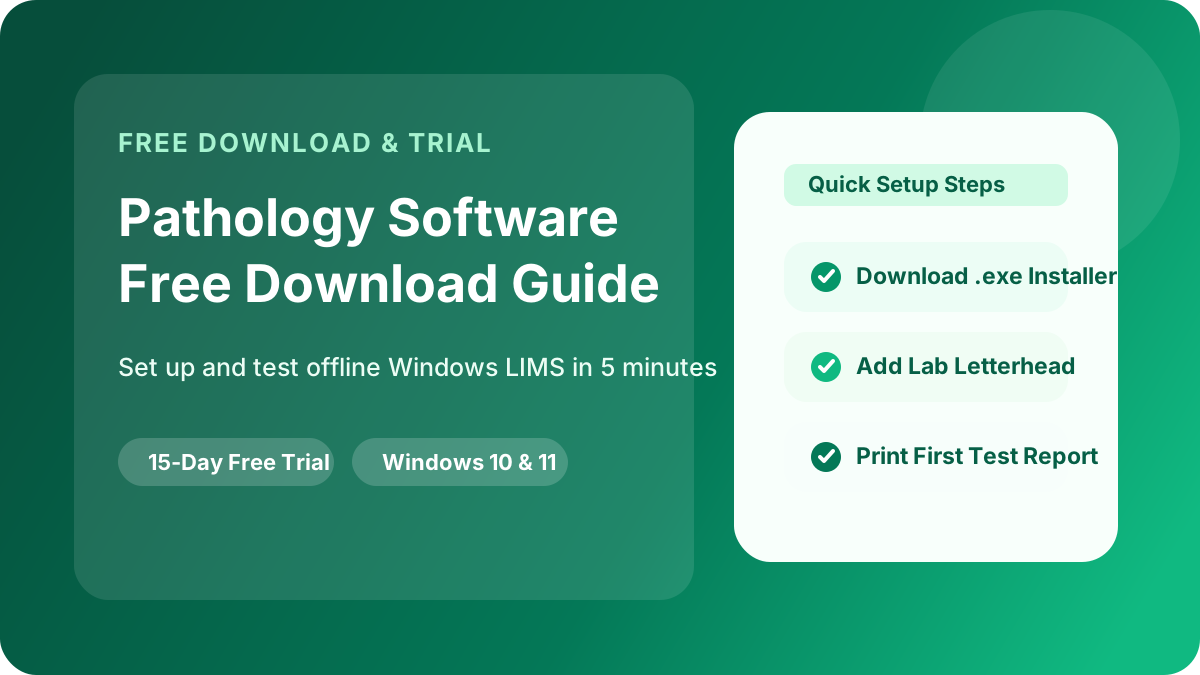
Why Test with an Offline Pathology Software Free Download First?
Slideshows and brochures never show how fast a software feels during peak morning sample collection hours. By running an offline pathology software free download directly on your reception and technician PCs, your team can verify:
- Speed Without Internet: How quickly patient registration, billing, and test result entry work when your internet connection is offline.
- Report Print Layout: How blood test reports look on your lab's pre-printed letterhead or custom digital header/footer.
- Formula & Reference Range Accuracy: How CBC, Lipid Profile, LFT, KFT, and Thyroid panels auto-calculate derived values and flag abnormal results.
Step-by-Step: Download & Install CoreLab in 5 Minutes
Step 1: Choose Your Installer on the Download Page
Visit the official CoreLab Pathology Lab Software Free Download page. You can install the Windows desktop application using either:
- Direct Windows Installer (`.exe`): Best for fast installation on Windows 10 and Windows 11 (64-bit) PCs.
- Microsoft Store App: One-click verified Windows installation with automatic background updates.
- Android Pathology Lab App (Google Play): Ideal if you want to test mobile access alongside your desktop setup.
Step 2: Configure Your Diagnostic Lab Profile & Header
Once launched, enter your diagnostic center's name, address, contact numbers, and upload your custom header banner and doctor signature images. You can also adjust top and bottom margins if you print on pre-printed laboratory letterheads.
Step 3: Register a Sample Patient & Create a Bill
Create a test patient entry with age, gender, and referring doctor. Select routine tests such as Complete Blood Count (CBC), Liver Function Test (LFT), and Lipid Profile. Generate the patient invoice and test receipt printing.
Step 4: Enter Test Values & Export the PDF Report
Open the test entry screen and type in sample readings. Watch CoreLab automatically calculate Indirect Bilirubin, Globulin, A/G Ratio, LDL, and VLDL, highlight abnormal values in bold, and generate a clean pathology report PDF ready for printing or WhatsApp sharing.
What Happens After the 15-Day Free Trial?
Every patient record, custom test template, doctor referral list, and report layout you configure during your 15-day free trial stays 100% intact when you activate an annual license. You never have to re-enter your data. Compare plans anytime on our Pathology Lab Software Price page.
Ready to Start Your Free Download?
Download CoreLab for Windows or Android now and get 15 days of unrestricted access to all pathology reporting and billing features.
Go to Free Download Page